What a push notification analytics dashboard should actually show
Most platform dashboards are built for the platform vendor, not for your team. Here is what we ship instead.

OneSignal and FCM both ship analytics dashboards. Both are designed to make their own product look good — high delivery rates front and centre, downstream conversion buried or missing entirely.
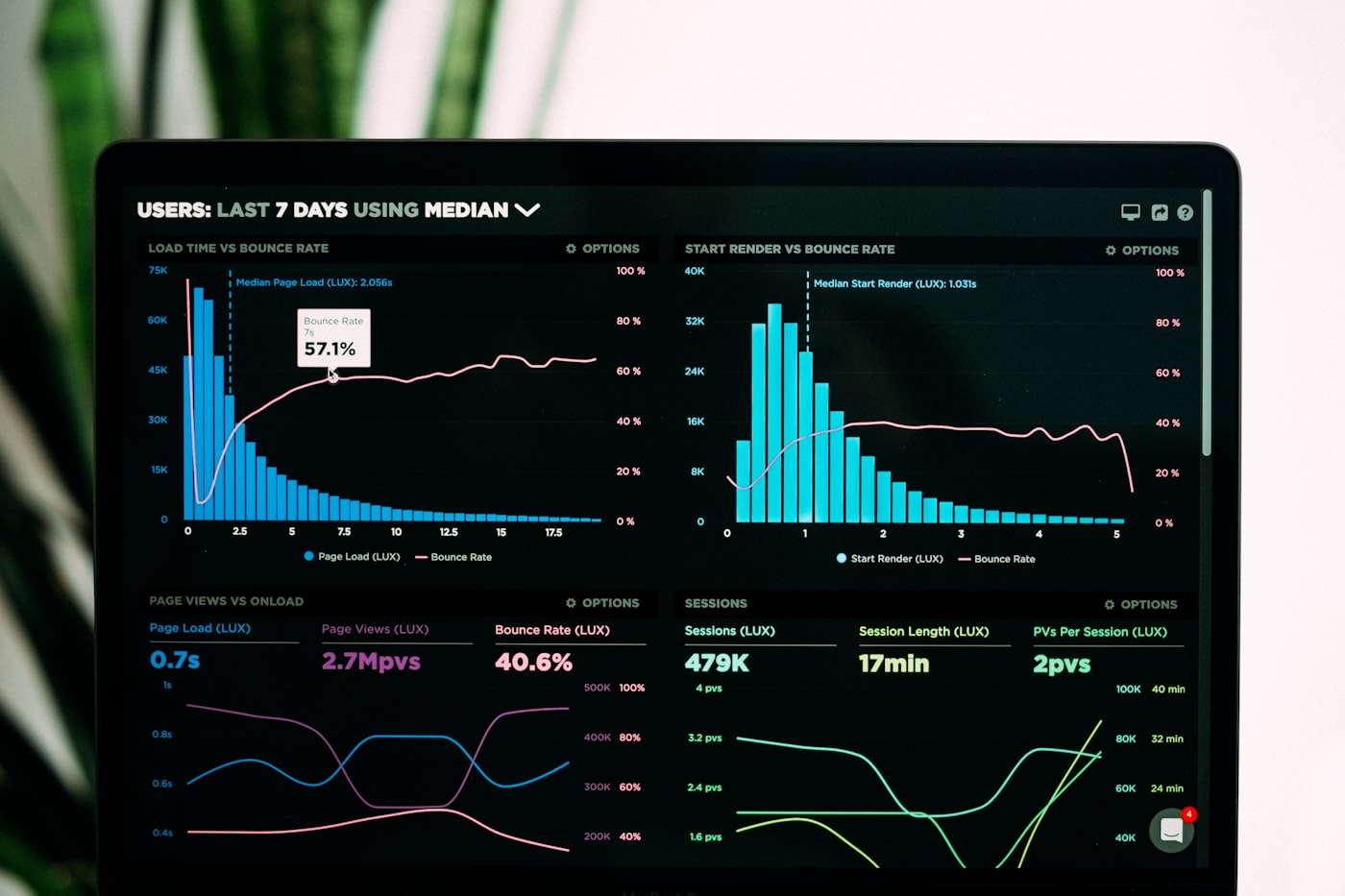
The dashboard we build for Enterprise plans answers four questions, in this order:
1. Did the push arrive? Delivery rate, segmented by platform (iOS, Android, web). 2. Did anyone see it? Open rate, but with a sanity check against unsubscribe rate — high opens with high unsubscribes means you're burning your list. 3. Did anyone act? Tap-through-to-conversion, where conversion is *your* event (purchase, signup, return visit), not the platform's 'engagement' metric. 4. Was this campaign worth it? Net effect on your North Star metric over the next 7 days, compared to a holdout group that didn't get the push.
That last one is the most useful and the one no platform shows by default — because it requires holdout groups, which costs the platform vendor revenue.
We build the holdout logic as part of Enterprise setups. It's how you actually know whether your push channel is net-positive or net-negative.